


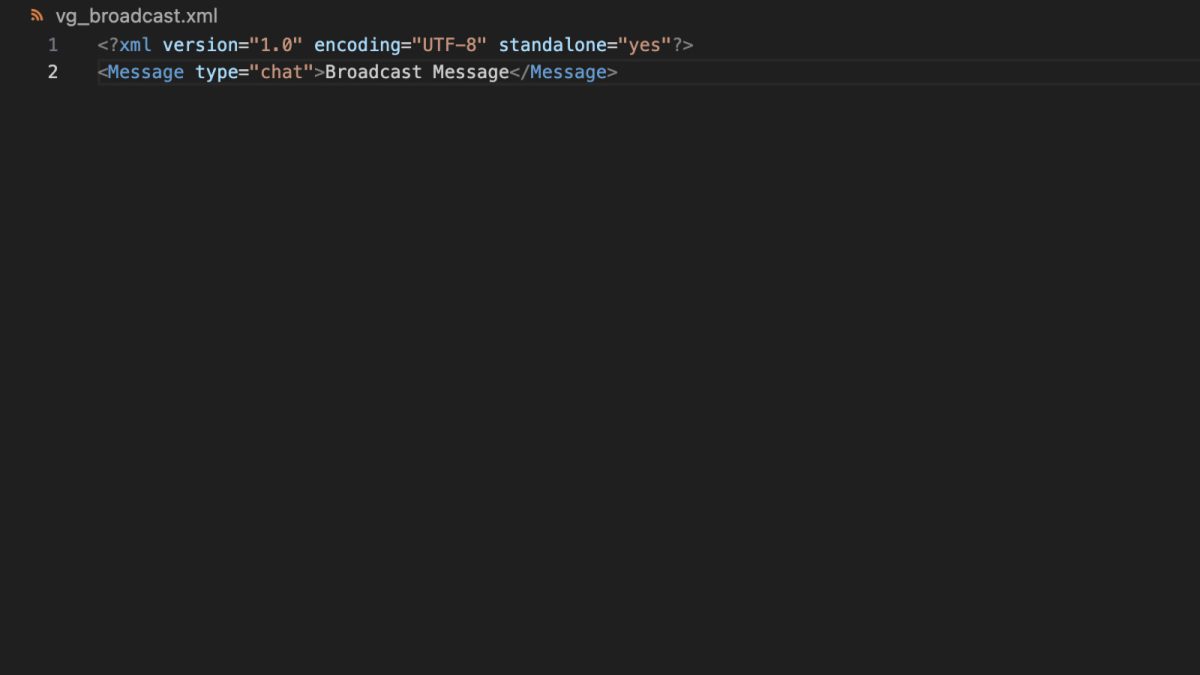
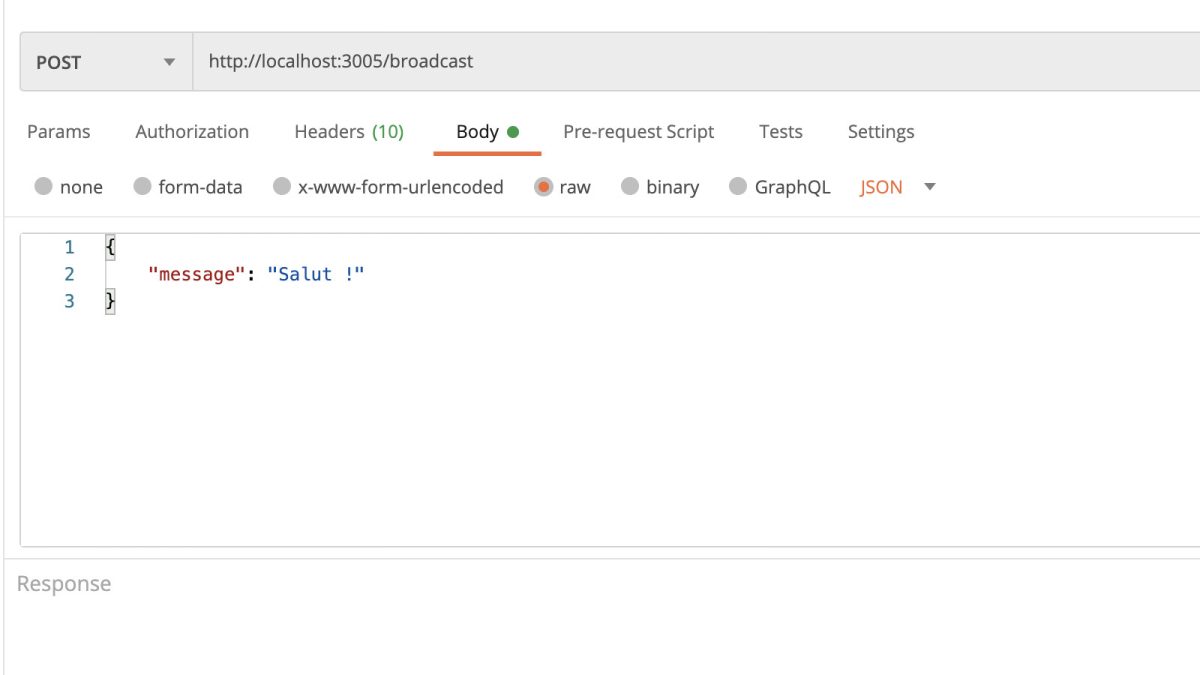
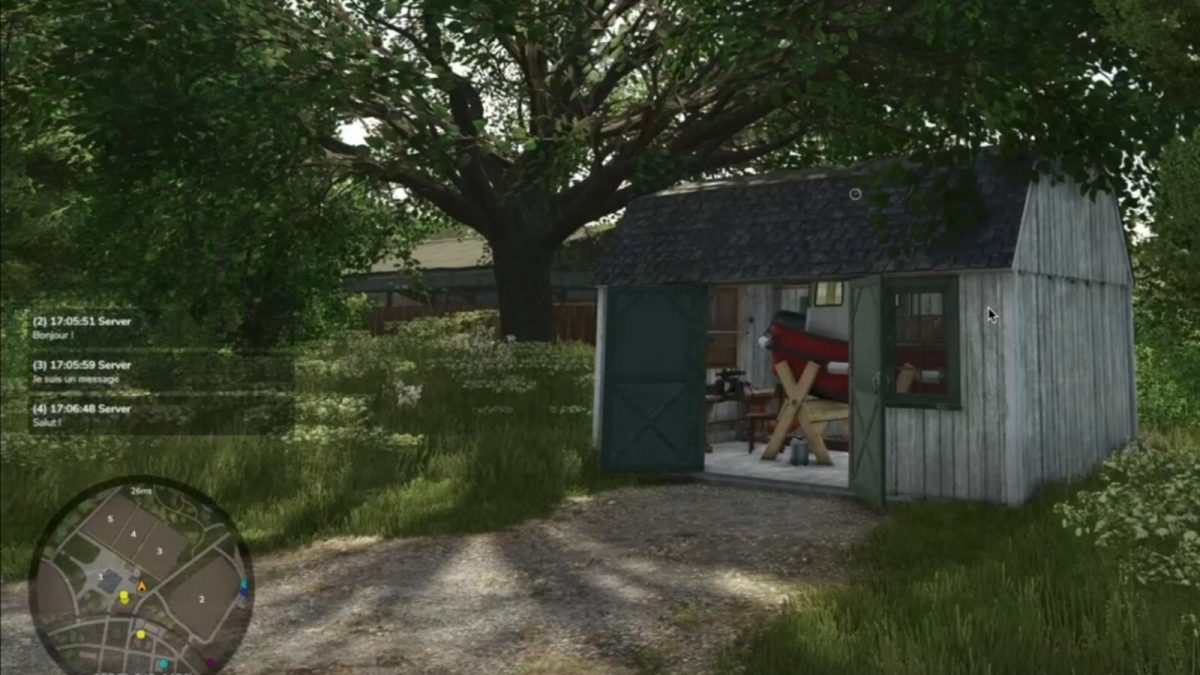
This mod is specifically designed for developers or server administrators who want to easily send messages to all players in-game.
It allows broadcasts to be triggered via custom scripts.
Credits:
VeryGames
Download
[120 KB]
 MikeyB on Ropa Tiger 6S v 1.0.3.0: “Keep up the great work!” Nov 11, 04:11
This category encompasses a diverse collection of mods that don’t neatly fit into other classifications. Discover a world of unexpected enhancements, ranging from decorative items and gameplay tweaks to entirely new features. From functional tools and utilities to purely aesthetic additions, these miscellaneous mods offer endless possibilities to customize and expand your Farming Simulator 25 experience.
This mod is specifically designed for developers or server administrators who want to easily send messages to all players in-game.
It allows broadcasts to be triggered via custom scripts.
Credits:
VeryGames
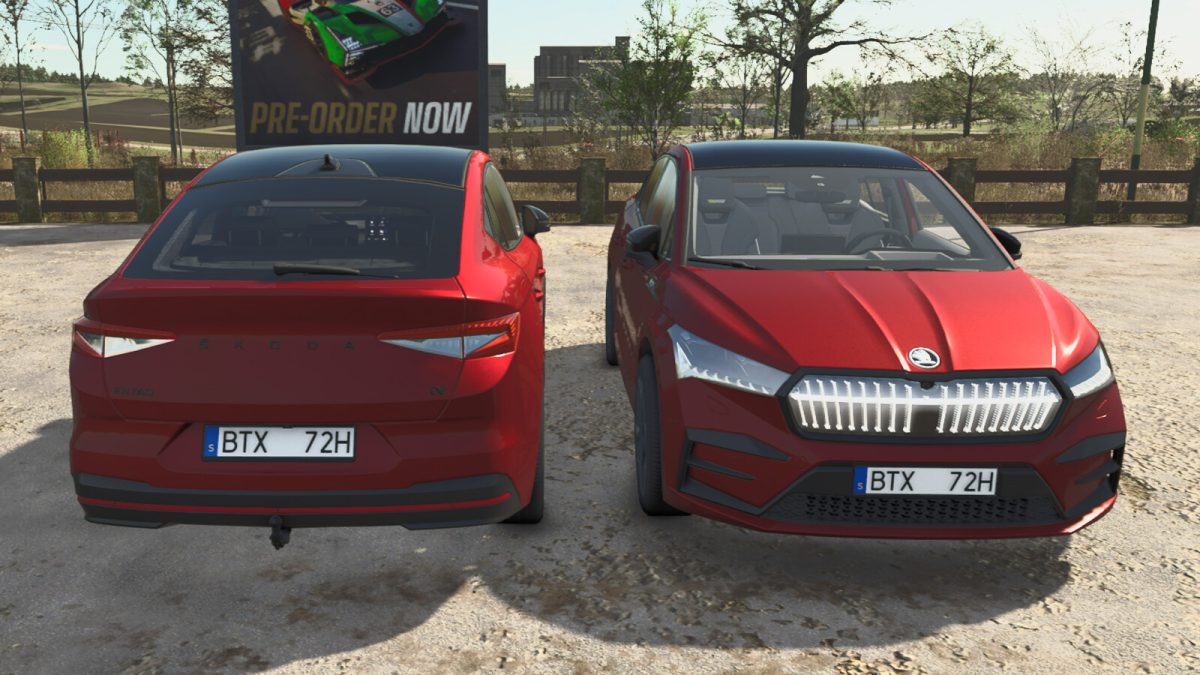
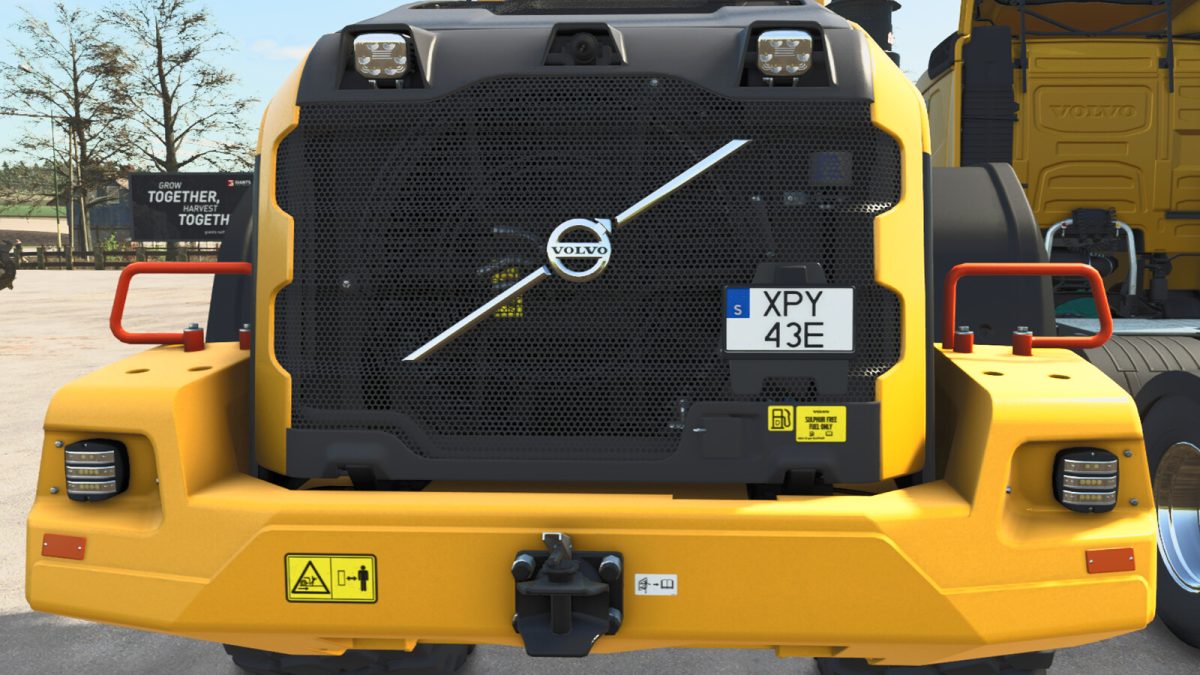
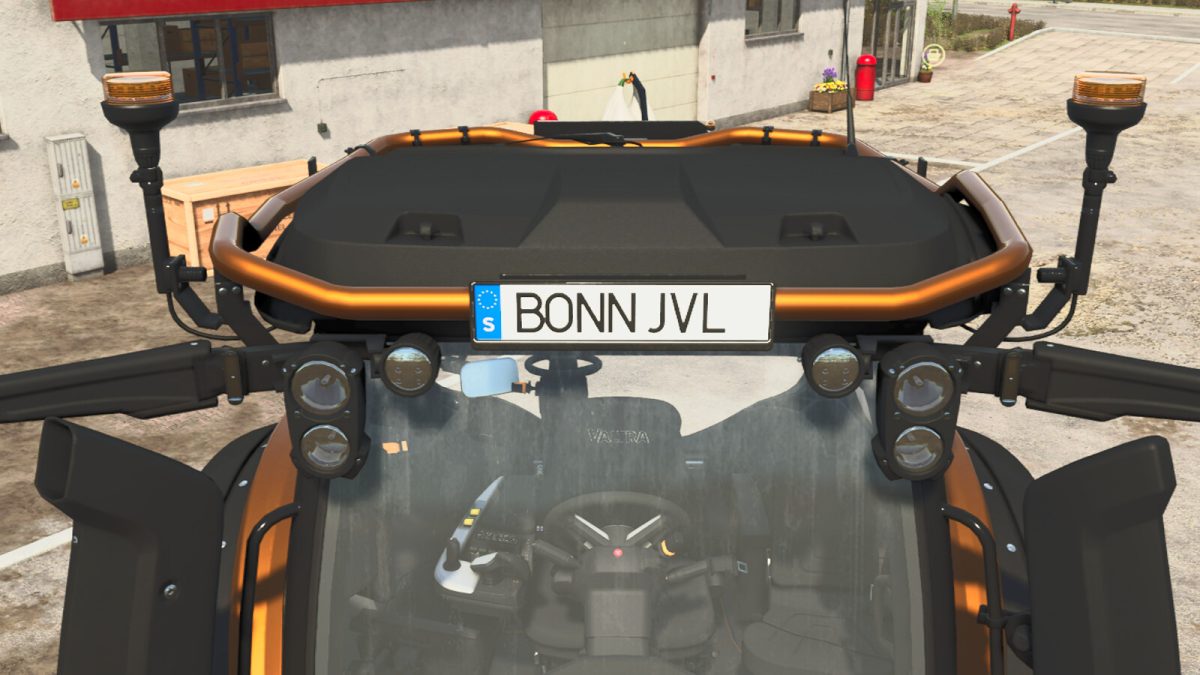
This is not a mod. It is prefabricated (Prefab) game assets.
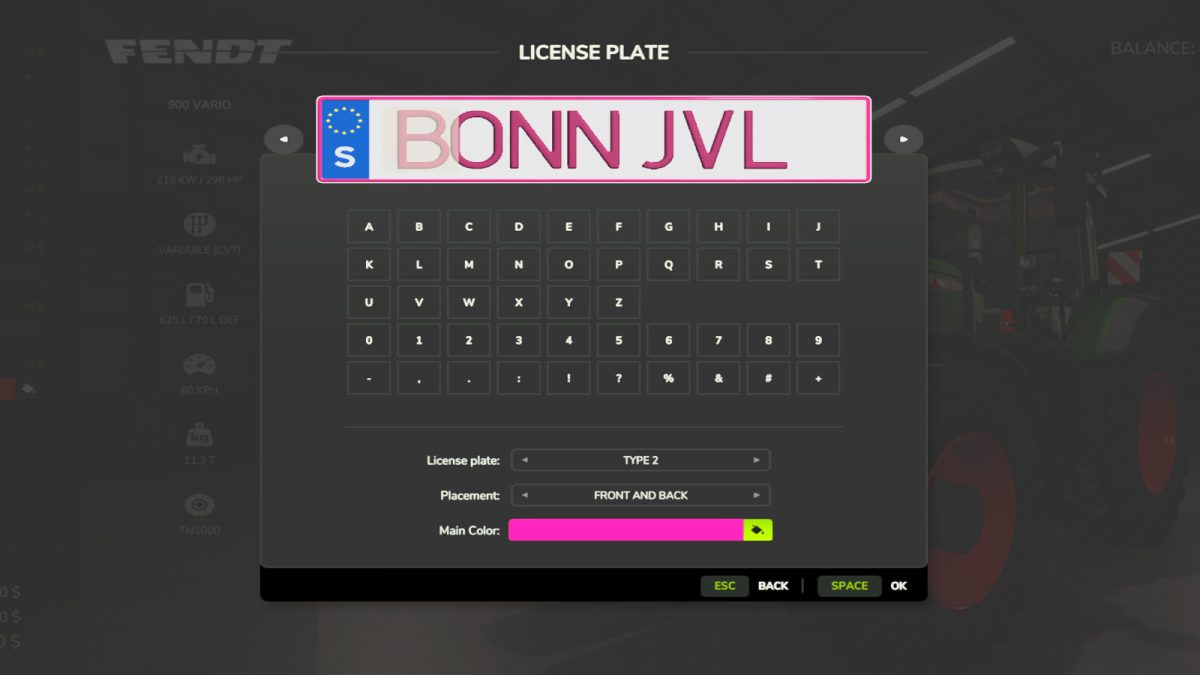
This Prefab will give your map Swedish version license plates and contains already prepared folders and assets for each original in-game map.
To use it for your own created map use the prepared folders as a template and adjust the xml-files accordingly.
Licenseplate design-configurations:
– In-game vehicles will have Swedish elongated license plate, 3 letter, 3 numbers or 2 numbers/1 letter
– In-game vehicles will have Swedish squarish license plate, 3 letter, 3 numbers or 2 numbers/1 letter
– In-game vehicles will have Swedish squarish personalized license plate, 7 letter/numbers
– ai-Vehicles will have Swedish squarish small (USA version) license plates, 3 letter, 3 numbers
Before downloading, please understand that this is NOT a ready to install mod, it is a Prefab that contains modified game assets for modders to add the assets to their maps and is not intended for end-users to manipulate original game files.
Credits:
Scandinavian Vikings Mod-Rebuilds Team
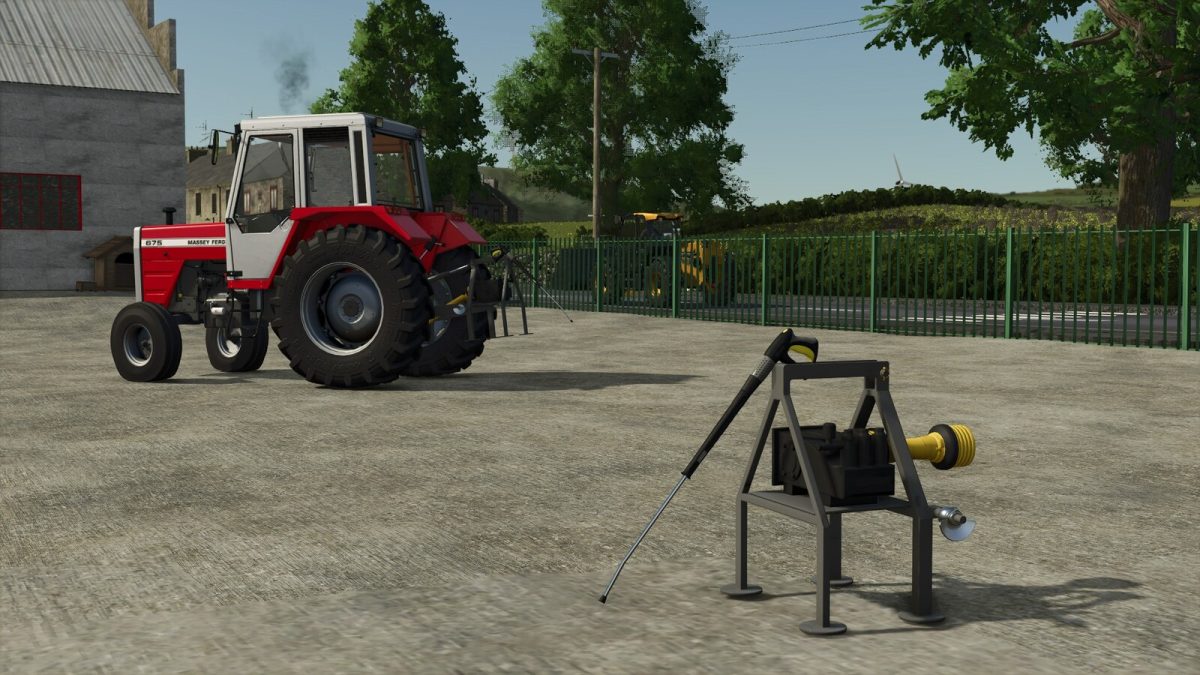
Pto power washer designed to clean tools around the farm to use the power washer.
Category: Miscellaneous.
Price: $900.
Credits:
Kelly Modding
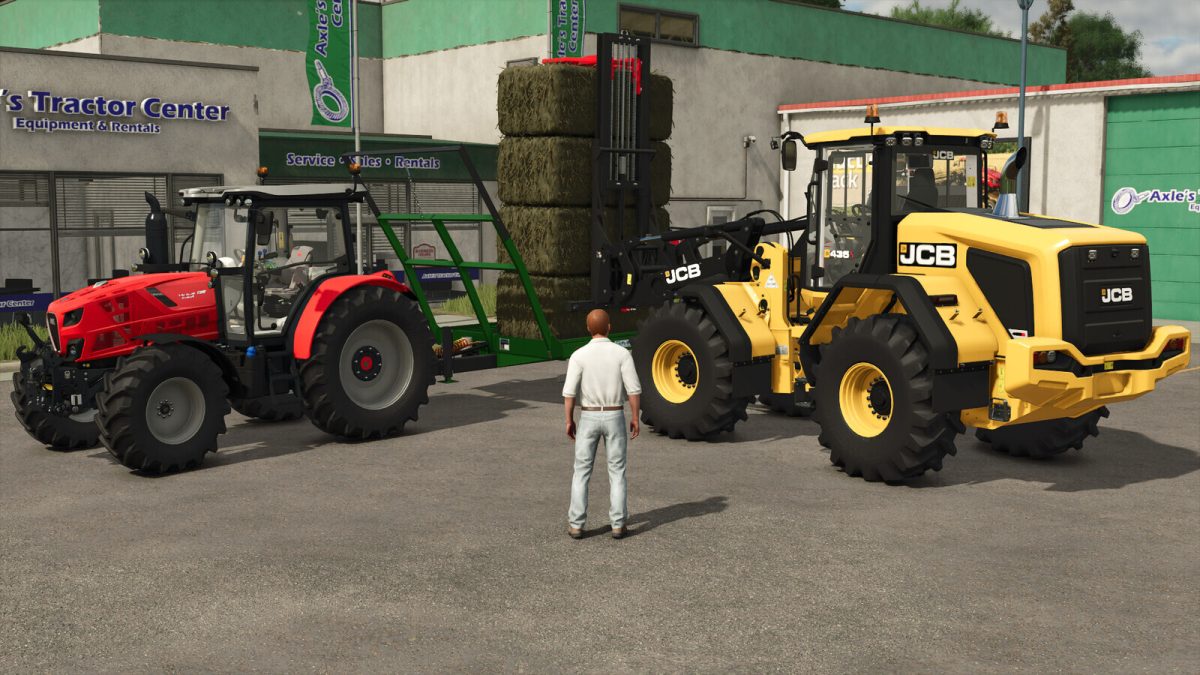
This mod adds saving the player position, when the player is on foot.
When you start the game again, the player will be in the same position that you saved the game.
It’s active by default but every player can choose to deactivate the overwrite the last position saved.
Credits:
DD ModPassion
This mod extends the base AnimatedObject functionality so that doors and gates open automatically when a player or vehicle enters a trigger area. It does so by reading custom XML settings defined inside the `` tag of an animatedObject entry.
The following custom XML keys are supported:
1. “autoopen=false” (default: true)
Enables or disables the auto‑open behavior globally. If not set, is true by default. When set to false, both vehicle and player auto‑open are disabled regardless of the other settings.
2.” autoopenVehicles=false” (default: true)
When true or not set, vehicles entering the trigger will cause the door/gate to open.
3. “autoopenPlayer=false” (default: true)
When true or not set, the player (on foot) entering the trigger will cause the door/gate to open.
Usage Examples: In your mods XML file
Enable auto‑open for both vehicles and player: don’t need to set, enabled by default.
Disable auto‑open for both vehicles and player
Disable auto‑open for player
Disable auto‑open for vehicles
Credits:
Levis modding